






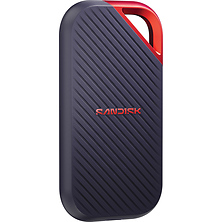





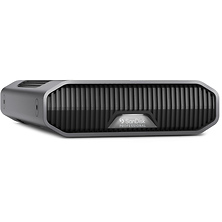
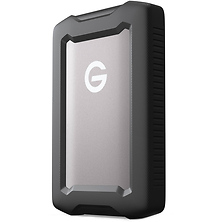
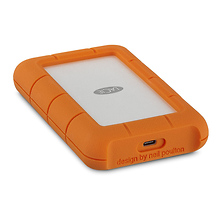
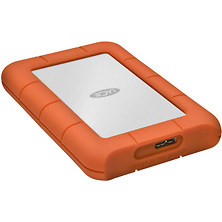
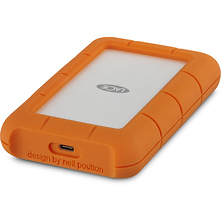
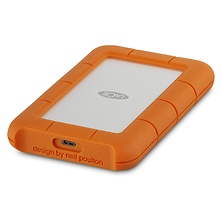


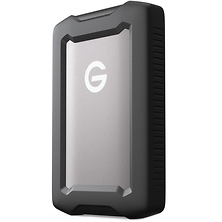
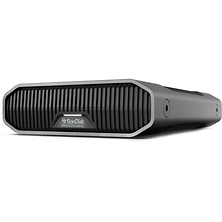

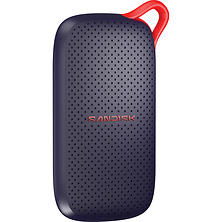


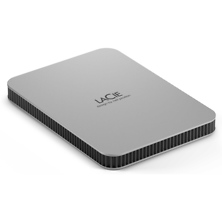
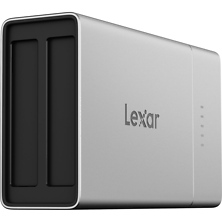



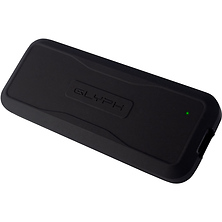

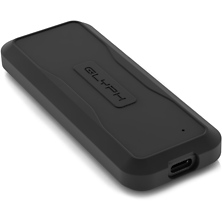

An external hard drive gives your photos and video a home outside your computer, whether you need room for a growing photo library or a second copy of every shoot. Our selection includes external hard drives, external SSDs, portable SSDs, and RAID arrays, in capacities from 500GB portable drives up to 96TB multi-bay systems. You'll find drives from SanDisk, LaCie, Lexar, and Glyph for first backups and full editing workflows.
External Hard Drive and SSD Storage for Photo and Video
Storage drives use one of two technologies. A hard disk drive (HDD) records data on spinning magnetic platters. A solid state drive (SSD) stores data on flash memory chips with no moving parts. Which one fits depends on how you work.
External Hard Drives for Archives and Backup
Hard drives offer large capacities in a single case, which makes them a common home for photo libraries, finished projects, and scheduled backups. Desktop hard drives sit next to your computer and run on wall power. Many portable hard drives run on power from their USB cable, so there is no separate adapter to pack. We carry hard drives from LaCie and SanDisk Professional. Choose a 1TB external drive for a laptop backup, or pick 4TB or 8TB for a growing archive.
External SSDs and Portable SSDs
Solid state drives store data on flash memory. Flash chips take up very little room, so many external SSDs are compact and light enough to slip into a jacket pocket. Photographers use them to offload cards on location, and video editors often edit footage straight from the drive. Some models use NVMe (Non-Volatile Memory Express), a storage protocol designed for flash memory. We carry portable SSDs from Lexar, SanDisk, and Glyph. You can choose from 1TB, 2TB, 4TB, and 8TB capacities.
Portable and Rugged Drives for Travel
Portable storage drives are sized to ride along in a camera bag or laptop sleeve. Rugged models use shock-resistant housings built for the bumps that come with location shoots and travel. Many connect with USB-C, the small oval connector that plugs in either way up, and take their power from that same cable. A portable drive lets you back up each day's shooting from a hotel room or a quiet corner of the venue.
RAID Drives for Studios and Editing Suites
RAID stands for redundant array of independent disks. Two or more drives sit in one case and work together as a team. Our RAID drives come in 2-bay and 4-bay designs (each bay is a slot that holds one drive), with total capacities up to 96TB. Set up as a mirror, the drives keep matching copies of your files, so your work stays intact if one drive fails. Set up for capacity, they join into one large storage space for big video projects. LaCie and SanDisk Professional both offer RAID systems for studio work.
How to Choose an External Storage Drive
Choose Your Capacity
High-resolution photos and 4K video take up a lot of space, so size your drive for at least a year of shooting. Drives of 1TB and 2TB suit a laptop backup or a single trip. Capacities of 4TB and 8TB suit growing archives and video projects.
Match the Connection to Your Computer
USB-C ports appear on many laptops, desktops, and tablets, and USB 3.2 is the data standard many of these drives use. Thunderbolt 3 is a high-speed connection that uses the same USB-C shape and is built into many computers. Because the plugs look alike, check your computer's port labels or specifications, then choose a drive with a matching connection.
Who Uses External Storage Drives
Wedding and event photographers copy their memory cards to a portable SSD before they leave the venue, so every image exists in two places. Filmmakers and editors work from external SSDs during the edit, then move finished projects to hard drives or RAID arrays for long-term storage. Students and beginners often start with a single 1TB or 2TB portable drive to back up a laptop and clear room for coursework.
Frequently Asked Questions
How much storage capacity do I need?
Find the file size of one photo or one minute of video from your camera, then estimate how much you shoot in a typical month. A 1TB drive holds about 1,000GB. A RAW file, the unprocessed image format many cameras record, averages about 50MB, so that drive stores roughly 20,000 photos. Multiply your monthly total by 12, then double it if you plan to keep a backup copy. Your computer may list a 1TB drive at about 931GB, since some operating systems count storage in a different unit.
Should I choose an external SSD or an external hard drive?
Choose by the job. An external SSD suits editing straight from the drive and shooting on location. An external hard drive suits archives and backups that need plenty of capacity at your desk. Many photographers and editors keep one of each, using the SSD for active projects and the hard drive for finished work.
What does a RAID drive do?
A RAID drive houses two or more disks in one case and manages them as a team. In a mirrored setup, often labeled RAID 1, every file is written to two drives at once, so you can replace a failed drive and keep your files. Keep a separate backup as well, since a mirrored array removes a file from both drives when you delete it.
Will a USB-C drive work with an older computer?
In most cases, yes. USB is designed to work with earlier USB ports, so a USB-C drive can connect to a USB-A port (the flat rectangular connector) through a USB-C to USB-A cable. The drive runs at the speed that port supports. Drives built only for Thunderbolt need a matching port, so compare the drive's listed connection with your computer's ports. Browse our USB cables for a spare to keep in your bag.
How should I back up a photo or video shoot?
Copy each memory card to your computer or a working SSD through a card reader, then make a second copy on a separate external hard drive. Open a few files from each copy to confirm they transferred before you format the cards. Keep at least one copy away from your home or studio, such as a drive stored at the office or with a family member.
How do I protect a storage drive while traveling?
Pack drives in a padded pocket of your bag, and keep them out of hot cars. Always eject the drive in your computer's software before you unplug the cable, so any file still being written can finish saving.
Shop Storage Drives at Samy's Camera
Since 1976, Samy's Camera has helped photographers and filmmakers protect their work. Explore our Memory & Storage department, order online for fast shipping, or call us at 800-321-4726 to talk through capacity and connections for your setup.