







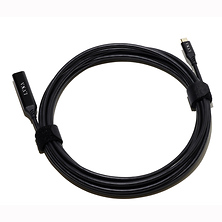
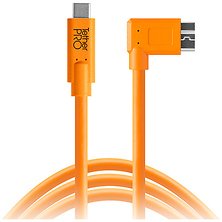
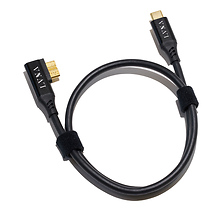
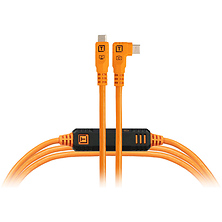





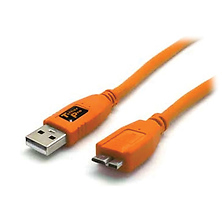
USB Cable Types for Photography and Video
USB cables connect your camera, recorder, microphone, and storage devices to computers, power adapters, and external accessories. Whether you need a fast data transfer cable for offloading photos after a shoot, a tethering cable for studio capture, or a charging cable for batteries and audio gear, choosing the right connector type and cable quality ensures reliable performance on set and in the field.
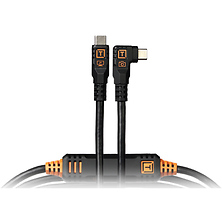
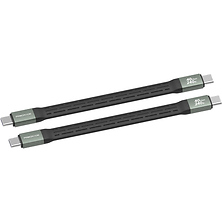
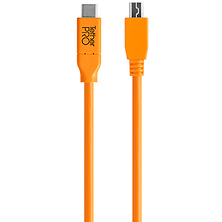
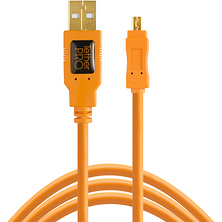
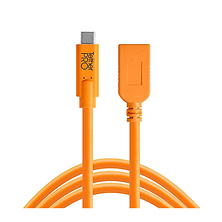
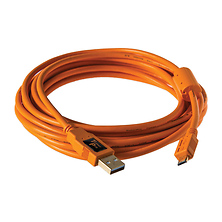
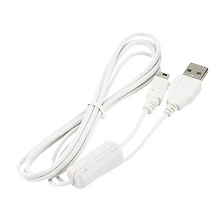
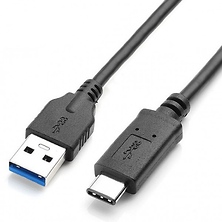
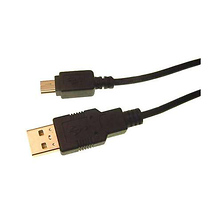
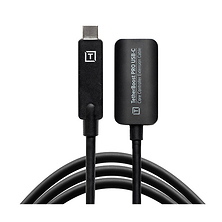
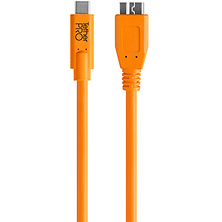
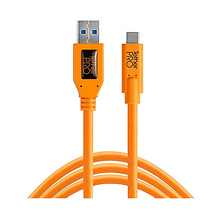
USB cables fall into several categories based on connector type and intended use. USB-C to USB-C cables offer the fastest modern connectivity, supporting USB 3.2 Gen 2 speeds up to 10 Gbps for rapid photo and video transfer. USB-C to USB-A cables provide compatibility with older computers and peripherals that use standard USB-A ports, while Micro-USB cables remain common on some compact cameras, microphones, and wireless receivers. Right-angle and straight connectors let you match your cable to your workspace, with right-angle designs preventing cable strain in tight setups.
USB-C Cables for Modern Cameras and Recorders
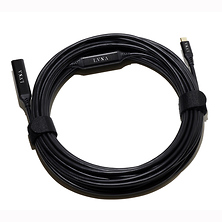
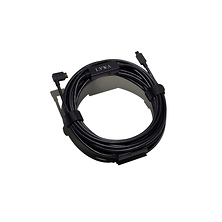
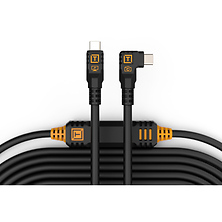
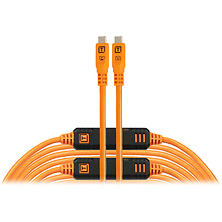
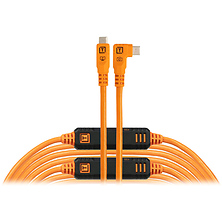
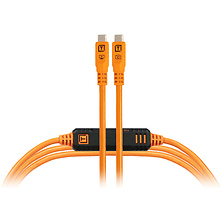
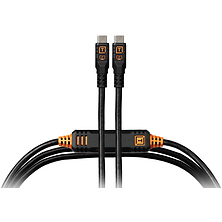
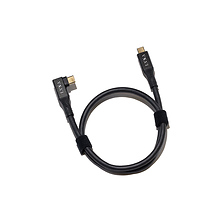
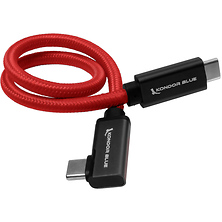
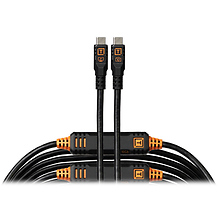
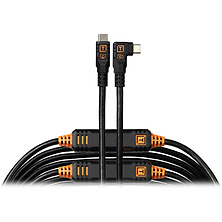
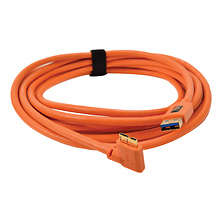
USB-C has become the standard for professional-grade video recorders, newer mirrorless cameras, and external storage devices. USB 3.2 Gen 2 certified USB-C cables deliver 10 Gbps throughput, cutting data transfer time significantly compared to USB 2.0 or USB 3.0 alternatives. For studio work, tethering cables with right-angle connectors protect your camera's port by routing the cable away from the sensor opening, reducing dust exposure during extended sessions.
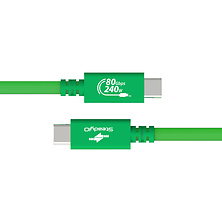
Brands like Tether Tools, Atomos, and Kondor Blue manufacture purpose-built USB-C cables for cinema and photography workflows. These cables feature reinforced connectors, shielding against electromagnetic interference, and durable jacket materials that withstand repeated connection cycles. The price premium over generic cables reflects this durability and the peace of mind that comes with cables designed for professional use.
- USB 3.2 Gen 2 specification supports 10 Gbps data transfer rates
- Right-angle connectors minimize stress on camera and recorder ports
- Shielded designs reduce interference from wireless equipment on set
- Cable lengths range from 3 feet to 20 feet depending on studio layout
- Some cables include ferrite cores to suppress electromagnetic noise
Tethering Cables for Studio Photography
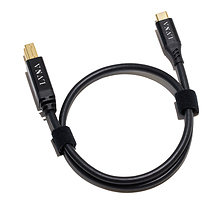
Studio photographers rely on tethering cables to send images wirelessly or with a wired connection to a computer monitor during a shoot. This workflow allows immediate review of composition, focus, and lighting before the subject leaves the set. Tethering cables must support fast data transfer while remaining thin enough to manage cable clutter on a busy set. USB Type-B and USB-C connectors are most common on professional cameras, with corresponding computer connection points.
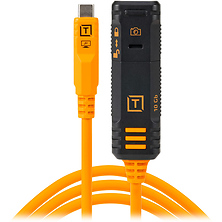
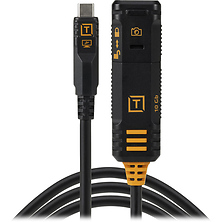
The cable routing in a studio environment matters. A coiled or bundled tethering cable creates a cleaner, safer workspace than a slack cable stretched across the floor. Purpose-built tethering solutions from vendors like Tether Tools include clips, cable guides, and management systems to keep your setup organized. For long studio sessions, a quality cable rated for thousands of connect-disconnect cycles prevents degradation and maintains reliable data throughput.
Compatibility with Cameras, Recorders, and Accessories
Canon digital cameras use USB Type-B or USB-C depending on the model and release date. Nikon cameras similarly offer USB Type-B on DSLRs and USB-C on newer mirrorless bodies. Wireless microphones, audio recorders, and external storage drives each have their own connector standards. Before purchasing a cable, verify your device's USB specification and connector type to avoid incompatibility issues.
Many video recorders from brands like Atomos and Rode Microphones include USB-C ports for rapid media offload and firmware updates. Check your camera's manual or manufacturer's spec sheet if you are uncertain about the correct connector type. Some devices support multiple USB versions on the same connector, so a newer USB 3.2 cable will work with older USB 2.0 ports, though at reduced speeds.
Cable Length and Connector Orientation
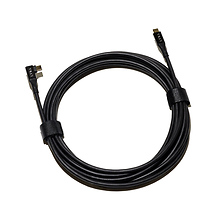
Straight cables offer flexibility for mobile and field shooting, where cable length and routing adapt to your immediate needs. Right-angle connectors reduce wear on camera and recorder ports during studio work, when the cable remains stationary between frames. Cable lengths vary from 3-foot compact designs that fit inside a camera bag to 20-foot runs for tethering setups with monitors positioned away from the shooting area.
For travel, shorter cables and compact coiling solutions minimize bulk and weight. For permanent studio installations, longer cables allow monitors and backup storage to sit at a comfortable working distance without cable tension. Heat shrink tubing and cable wraps protect the connector and jacket from kinking and abrasion.
Who Uses USB Cables
Studio photographers tether cameras during portrait, product, and fashion shoots, reviewing images on a larger monitor for precise focus and composition feedback. Videographers connecting external recorders to cinema cameras use high-speed USB-C tethering cables to capture raw video while maintaining safe power delivery. Content creators recording with microphones and external audio interfaces rely on USB cables to route audio to editing computers without additional adapters.
Archivists and media managers use USB cables to offload photos and video files from cameras to desktop computers and backup storage solutions. Travel photographers and documentary crews prioritize compact, reliable cables that withstand repeated packing and unpacking. Technicians and field service professionals use USB cables for troubleshooting cameras, updating firmware, and configuring wireless receivers.
Frequently Asked Questions
What is the difference between USB 2.0, USB 3.0, and USB 3.2?
USB 2.0 supports data transfer rates up to 480 Mbps, adequate for transferring small photo files but slow for large video footage. USB 3.0 and 3.1 increase throughput to 5 Gbps, cutting transfer times substantially. USB 3.2 Gen 2 reaches 10 Gbps, enabling rapid offload of 4K and 8K video files. A 100 GB card full of video typically transfers in under 30 seconds on USB 3.2, compared to several minutes on USB 2.0.
Can I use a USB-C cable on a device with a USB Type-B port?
No. USB-C and USB Type-B connectors are physically different and not interchangeable. Always match the cable connector to your device's USB port. If you are unsure, consult your device's manual or contact the manufacturer.
Are expensive USB cables worth the premium over generic options?
Professional-grade cables from established brands offer reinforced connectors, better shielding, and durability for studio and field use where cables are connected and disconnected repeatedly. These cables are engineered to withstand thousands of connection cycles without degradation. For occasional use or casual file transfer, a standard cable suffices. For critical professional workflows where a failed cable could compromise a production, investing in a quality cable is worthwhile.
Do USB cables come in different lengths?
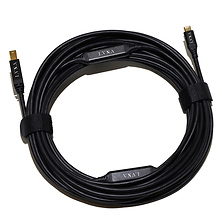
Yes. USB cables are available in lengths ranging from 3 feet to 20 feet or longer. Shorter cables work well for portable setups and minimize cable clutter, while longer cables suit tethering systems with external monitors and backup storage positioned away from the shooting area. For maximum cable length over 15 feet, look for cables with active amplification or repeater circuits to maintain signal integrity.
How do I know if a USB cable is compatible with my camera?
Check your camera's manual or manufacturer's website for the USB port specification. Most cameras list the USB version (2.0, 3.0, 3.1, 3.2) and connector type (Type-B, USB-C, or Micro-USB). Once you know the connector type, any cable with that connector and equal or newer USB specification will work with your camera. A USB 3.2 cable is fully backward-compatible with older USB 3.0 or USB 2.0 ports.
What is a tethering cable and why would I need one?
A tethering cable connects your camera directly to a computer, enabling live image review on a larger monitor during a studio shoot. This workflow improves review accuracy and allows immediate feedback on focus, composition, and lighting before resetting the shot. Tethering cables are designed specifically for studio use and often feature right-angle connectors to protect your camera's USB port from strain. Professional photography studios, product photographers, and fashion shoots routinely use tethering cables for controlled, repeatable workflows.
Shop USB Cables at Samy's Camera
Whether you need a fast USB 3.2 cable for rapid data transfer, a tethering solution for your studio setup, or a reliable connector for your camera, microphone, or external storage, Samy's Camera carries cables from trusted brands built for professional use. Browse our selection of USB-C, USB Type-B, and Micro-USB cables in multiple lengths and configurations. With fast shipping and expert support, we help you find the right cable to keep your workflow running smoothly.