





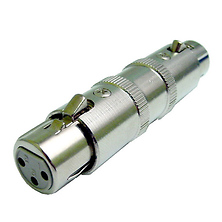
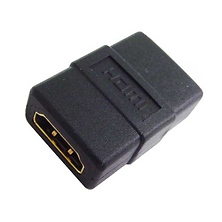
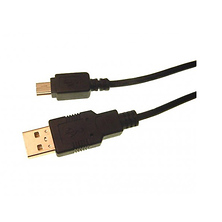
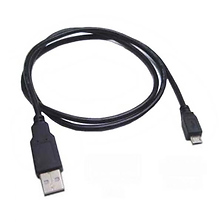

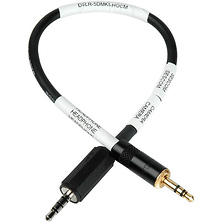
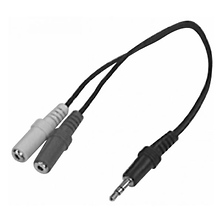





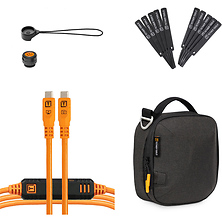

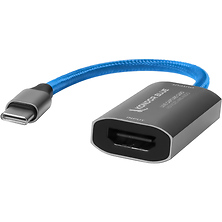
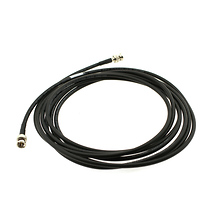
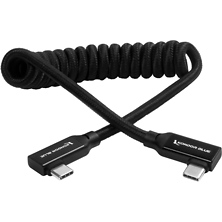
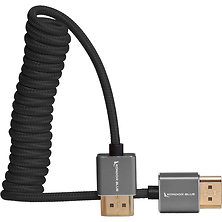
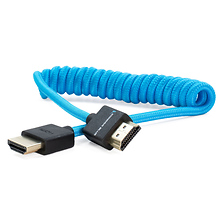

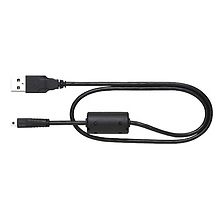

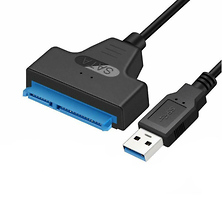
Electronics cables connect your cameras, recorders, monitors, and lighting gear into coherent systems. Whether you're transferring data from your camera to a computer, monitoring video output to an external display, or powering studio equipment, the right cable ensures reliable signal transmission and physical security. Samy's Camera carries dedicated cable solutions for every connection type photographers and videographers encounter.
USB and Data Transfer Cables
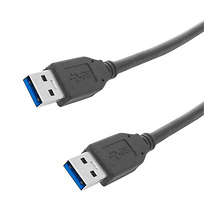
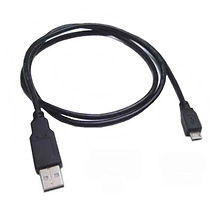
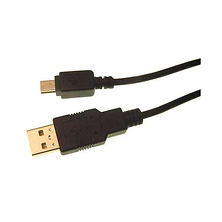
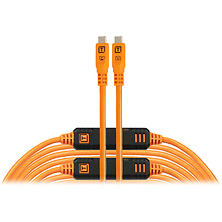
USB cables handle two functions on set and in the studio. The transfer cable moves footage, images, and settings between your camera and computer at speeds that depend on the cable standard and your camera's port. Data cables also charge camera batteries when connected to mains power or portable chargers. Standard USB-A remains common on many cameras and older recorders, while USB-C has become standard on recent bodies and all modern computers.
Cable construction affects reliability under heavy use. Reinforced connectors and braided sleeves withstand repeated connection cycles on location shoots, and shielding keeps electromagnetic interference out of the data path. Most photographers use USB for two things, offloading to a computer and charging a battery, and most current USB cables handle both.
USB Standards and Connectors
USB 3.0, 3.1, and 3.2 define maximum transfer speeds, though your camera's capabilities set the real-world ceiling. Standard USB-A connectors appear on older cameras, while USB-C has become standard on recent bodies. Tether Tools builds cables with strain relief and locking designs for studio capture work. Digital cinema cameras typically use USB-C for higher data speeds and power delivery.
HDMI and Video Monitoring
HDMI cables transmit video and audio from your camera or recorder to an external monitor, second camera, or projector. HDMI 1.4 handles most on-set monitoring with bandwidth sufficient for Full HD and basic 4K. HDMI 2.0 and 2.1 support higher frame rates needed for cinema cameras and professional recorders.
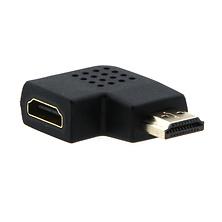
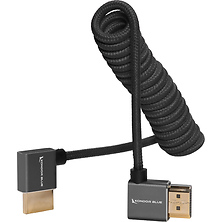
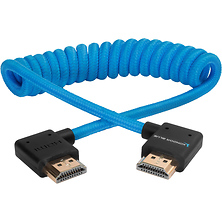
Cable length is a practical consideration, since a standard passive HDMI cable holds signal integrity reliably out to roughly 25 feet and longer runs call for an active cable or a fiber optic version. Locking connectors hold position when cables get snagged on a moving set. Right-angle connectors give you clearance on a tight rig where a straight plug would press against a cage or a matte box. Shielding resists interference in studio environments carrying heavy lighting loads.
Analog and Legacy Video Connections
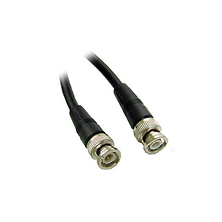
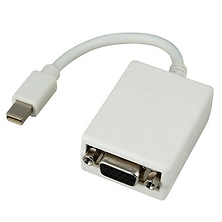
Professional video monitors and many external recorders from the preceding generation use analog video connections. Component video splits the signal across three RCA connectors that carry brightness and color information on separate conductors. Composite video carries the whole signal on one RCA conductor, which keeps the connection simple and universal on older monitors and decks. Some studio recorders still accept FireWire connections for footage ingest.
These connections remain valuable in hybrid setups where an older monitor serves as a second reference display, or where archival equipment outputs analog signal. Knowing which standard your existing monitor uses tells you which cable to order. Most video monitoring equipment ships with a cable, and keeping a spare on hand covers you when one fails or when you extend a monitoring chain across a larger set.
Power and Charging Cables
Power adapter cables deliver mains electricity to studio equipment, external recorders, and LED lighting rigs. On location, USB-powered devices let a single portable charger supply several tools at once. Barrel connectors, the round style with a center pin, are the common standard on studio lights and recorder power supplies, while many cinema cameras use a dedicated connector matched to their draw.
Cable gauge and connector quality determine how cleanly power reaches your equipment. A conductor sized for the current draw keeps resistance low, which holds voltage steady at the device and keeps the cable running cool. Matching the connector to the device also matters, since a proper fit is what keeps a power supply seated under movement. Quality power cables include strain relief and thick insulation to survive studio environments where cables run across floors and get snagged during strikes.
Who Uses Electronics Cables
Photographers offloading high-volume image files match cable and transfer speed to their workflow. Videographers monitoring to an external display lean on HDMI reliability, since the monitoring feed is how they confirm the take.
Studio professionals running mixed-generation equipment meet every cable type in one room. A current cinema camera might monitor to an older reference display, draw power through batteries and power adapters, and tether to a computer for capture control. Sound engineers working with video and audio gear run analog paths on legacy mixers alongside digital audio over USB.
Frequently Asked Questions
What is the difference between USB 2.0, USB 3.0, and USB 3.1 cables?
These numbers refer to data transfer speed standards. USB 2.0 tops out at 480 Megabits per second, USB 3.0 at 5 Gigabits per second, and USB 3.1 at 10 Gigabits per second. Your real transfer rate follows the slowest link in the chain, which can be the cable, the camera port, or the computer port. Buying to the highest standard in your chain means the cable stays useful when you upgrade the camera or the computer around it.
Which HDMI connector size do I need for my camera?
HDMI comes in three connector sizes. Full-size Type A appears on monitors, recorders, and televisions. Mini HDMI (Type C) and micro HDMI (Type D) appear on mirrorless and compact cameras where the body is too small for a full-size port. Check the port on the camera first, then order a cable with that connector on the camera end and full-size on the monitor end, or use a full-size cable with an adapter at the camera.
How long can my HDMI cable be before video quality degrades?
Passive HDMI cables maintain signal integrity up to about 25 feet with quality shielding. Beyond 25 feet, active HDMI extenders or fiber optic cables are necessary. For most on-location and studio work, a 25-foot cable is sufficient, though 6 to 15-foot cables are more practical.
What's the advantage of a cable with locking connectors?
Locking connectors require a deliberate release, so the cable stays seated when something brushes it. On moving sets that keeps a take alive, and on a tethered capture station it keeps a file transfer intact. They are most useful on HDMI and USB-C runs, where the connection is carrying either the monitoring feed or the images themselves.
How do I keep cables organized on a rig or a capture cart?
Route each cable along the shortest path that still leaves slack at both ends, then secure it with a clamp or a hook-and-loop tie near the connector so any pull lands on the tie rather than the plug. Coiling spare length in a loose figure eight rather than a tight wrap keeps the internal conductors flexible over time.
Shop Electronics Cables at Samy's Camera
The right cables keep your gear connected, powered, and running reliably on every shoot. Samy's Camera stocks USB, HDMI, analog video, and power adapter runs from Tether Tools, SmallRig, Rode, Atomos, Kondor Blue, and Calrad. Browse our electronics category, or go straight to USB cables and cables and power supplies.