














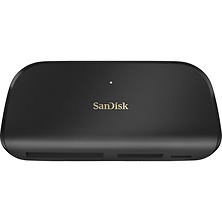
Card Readers and Adapters for Every Camera Setup
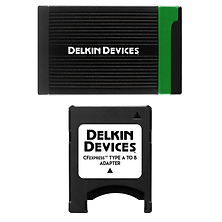
Card readers and adapters simplify the workflow between your memory cards and computer, enabling fast, reliable file transfer from your camera's storage media to your editing workstation. Whether you're moving photos and videos from SD cards, CFast cards, or CompactFlash media, a quality card reader eliminates the need to connect your camera directly to your computer and ensures your storage media remains in your camera bag where it belongs. Fast data transfer speeds, multiple card slot support, and modern connectivity options like USB 3.2 Gen 1 and Thunderbolt make these essential tools for photographers and videographers working with high-capacity cards.
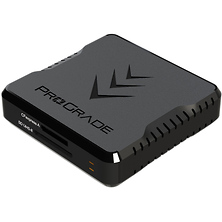
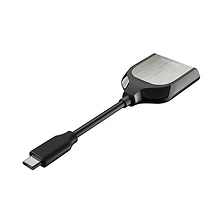
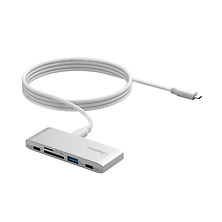
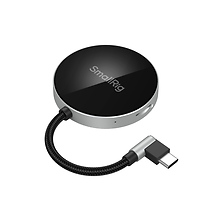
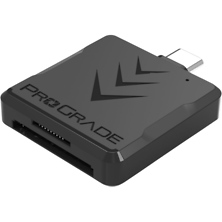
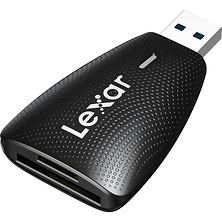
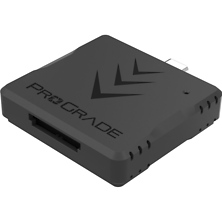
Modern card readers handle the diverse range of memory formats used in contemporary and legacy equipment. From compact USB-C readers that fit in your camera bag to multi-slot desktop solutions, Samy's Camera carries options for photographers shooting with digital mirrorless cameras, cinema cameras, and older film gear that uses CompactFlash media. The right reader matches your card type, transfer speed requirements, and connectivity preferences.
Types of Memory Card Readers
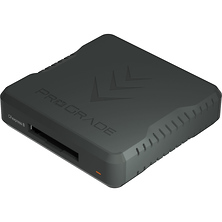
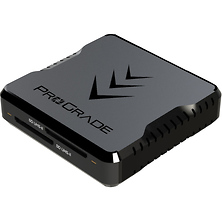
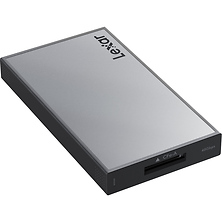
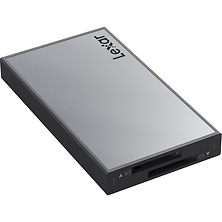
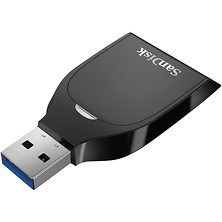
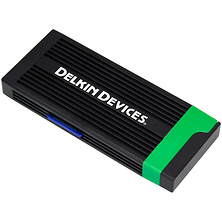
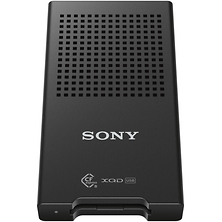
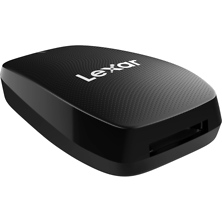
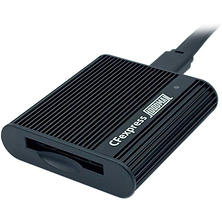
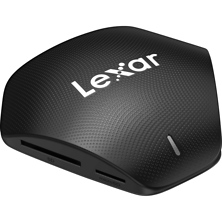
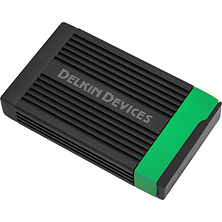
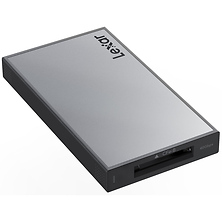
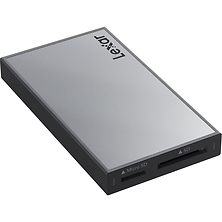
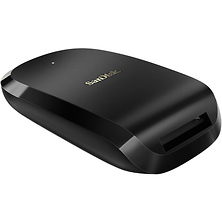
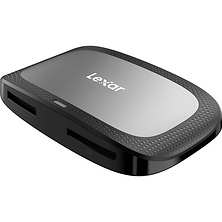
Single-slot card readers accept one format (SD UHS-II, CFexpress Type B, CompactFlash, or Memory Stick) and offer maximum speed for that format. These readers are lightweight, portable, and ideal when you work exclusively with one card type. Multi-slot readers accommodate 2-4 different card formats in a single device, making them practical for photographers who use multiple cameras with different storage requirements.
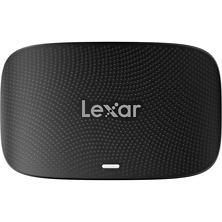
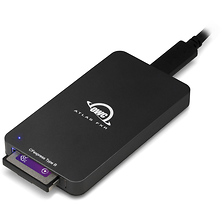
USB-C and Thunderbolt readers provide fast connection options compatible with modern laptops and computers. USB 3.2 Gen 1 readers transfer data at up to 280 MB/s, fast enough to move 4K footage and high-resolution RAW files without bottlenecking your editing workflow. Thunderbolt readers support even faster transfer speeds, valuable when moving hours of 8K cinema footage or archival projects with thousands of files.
Adapter rings and passive converters address legacy camera formats, allowing older CompactFlash, Memory Stick, or XD Card media to connect to modern readers. These adapters are often the most practical solution for archiving footage and photos from cameras no longer in regular use.
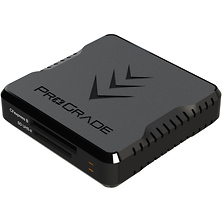
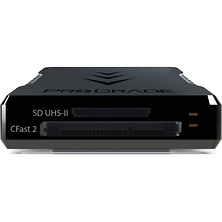
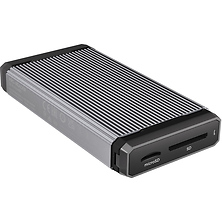
Universal multi-format readers provide flexibility if you own cameras across different brands and sensor types. Desktop models with powered hubs offer simultaneous multi-card support, letting you transfer from multiple cameras at once without swapping readers.
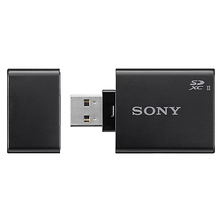
- Single-slot SD UHS-II readers with speeds up to 280 MB/s
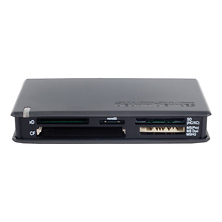
- Multi-format readers supporting SD, CompactFlash, Memory Stick, and CFexpress
- USB 3.2 Gen 1 and Thunderbolt connectivity options
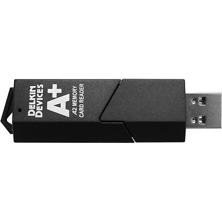
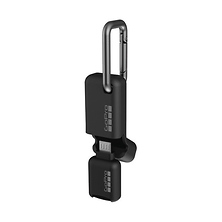
- Compact, bus-powered designs for on-location use
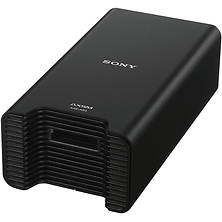
- Powered hub readers for desktop workflows
- Legacy format adapters for CompactFlash and Memory Stick media
- Cold-weather rated readers for extreme environments
- Durability features including shock-resistant construction
Transfer Speed Considerations
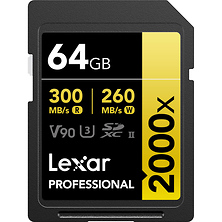
Card reader speed depends on three factors: the card's native speed rating, the reader's interface (USB 3.2 vs Thunderbolt), and the format being transferred. An SD UHS-II card rated for up to 280 MB/s requires a UHS-II compatible reader to achieve maximum speed. A UHS-I reader maxes out around 104 MB/s even when paired with a faster card. CFexpress Type B cards reach 1700 MB/s; transferring that speed requires a Thunderbolt reader.
For photographers shooting standard resolution RAW files and HD video, USB 3.2 Gen 1 readers provide adequate speed. Those working with 4K, 8K, or burst photography from high-speed cards benefit from Thunderbolt readers that eliminate transfer time as a production bottleneck. Consider your typical file sizes and how quickly you need to offload cards during a shoot.
Connectivity and Computer Compatibility
Older computers may require USB 2.0 or USB 3.0 readers if modern USB 3.2 or Thunderbolt hardware isn't available. If you travel between different computers or studios, universal readers that work with multiple operating systems and connection standards provide flexibility. USB-C readers work with Macs, Windows PCs, and iPads equipped with USB-C ports, making them practical for multi-platform workflows.
Powered hub readers include their own power supplies, supporting simultaneous multi-slot transfers without draining your computer's USB bandwidth. This approach is ideal for studios and production houses where speed and concurrent transfers matter.
Card Reader Applications Across Photography Styles
Photographers using digital mirrorless cameras and DSLRs rely on card readers to quickly offload RAW files for culling and editing. Professional sports and event photographers may transfer files to backup drives immediately between shooting sessions. Wedding and portrait photographers use readers to organize and archive deliverables on external storage.
Video professionals and cinema camera operators depend on fast CFexpress or SSD readers to transfer hours of 4K and 8K footage for color grading and final editing. Documentary crews archive footage on location using multi-slot readers to manage cards from multiple cameras simultaneously. Content creators producing YouTube videos, TikToks, and social media content transfer footage from action cameras and smartphones directly to editing software via compatible readers.
Photographers archiving legacy projects or restoring film work may need CompactFlash or Memory Stick adapters to recover files from older cameras and external storage. Having access to these older formats ensures that historical project files remain accessible without requiring the original camera hardware.
Choosing the Right Reader for Your Workflow
Consider your primary card types first. If all your cameras use SD UHS-II cards, a single-slot SD reader often provides the best value and performance. If you own both SD and CFexpress cameras, a multi-format reader handles both. If you work with studio and lighting gear or tethered shooting setups, a powered reader near your workstation supports continuous transfers during a session.
Portability matters for location-based workflows. Compact USB-C readers weigh less than an ounce and fit in camera bags alongside memory cards. Desktop readers with hubs stay at your studio workstation, offering maximum speed and support for simultaneous multi-card transfers.
Backup and redundancy protect your images. Using two different readers (or a reader plus direct USB connection) creates a safety net if one fails during file transfer. Professional photographers often keep backup readers in their kits for this reason.
Who Uses Card Readers
Professional photographers depend on card readers daily to transfer images from their cameras to computers and backup storage. Wedding photographers moving between multiple events use portable USB-C readers to offload cards between ceremonies. Commercial photographers working with studio tethering setups require powered readers that support continuous data flow from card to editing software.
Videographers and cinematographers working with 4K and 8K footage use fast Thunderbolt readers to manage large file transfers without creating production bottlenecks. Documentary crews in the field use multi-slot readers to archive footage from multiple cameras simultaneously, freeing cards for continued shooting.
Content creators shooting with action cameras, smartphones, and compact video gear use simple USB-C readers to quickly transfer footage for editing and posting. Educators and trainers archiving recorded lessons use readers to organize footage libraries. Photographers working with legacy equipment use CompactFlash and Memory Stick adapters to recover files from cameras that are no longer in active production.
IT professionals managing media workflows across studio environments, post-production houses, and broadcast facilities rely on enterprise-grade multi-format readers supporting simultaneous transfers. Audio engineers using compact flash recorders use dedicated readers to transfer field recordings to editing workstations.
Frequently Asked Questions
What is the fastest way to transfer files from my memory card to a computer?
Using a card reader is faster than connecting your camera directly. The fastest transfer speed depends on your card's rating, the reader's interface, and your computer's USB capability. If you have CFexpress Type B cards, a Thunderbolt reader achieves speeds up to 1700 MB/s, transferring a full 256GB card in about 2-3 minutes. For SD UHS-II cards, a USB 3.2 Gen 1 reader reaches 280 MB/s. Connecting your camera via USB is typically slower because cameras prioritize battery life over transfer speed.
Can I use a card reader with an iPad or smartphone?
Yes. Many USB-C card readers work with iPads and Android phones equipped with USB-C ports. This lets you transfer photos and video directly to your mobile device for culling, backing up, or immediate editing. Some readers also support Lightning connectors for older iPhones and iPads. Check compatibility before purchasing.
Do I need different readers for different card types?
Not necessarily. Multi-format readers handle SD, CompactFlash, Memory Stick, and sometimes CFexpress in a single device. If you work with only one card type, a single-slot reader optimized for that format is more affordable. If you use multiple card formats across different cameras, a multi-slot reader eliminates the need to carry multiple devices.
What is the difference between UHS-I and UHS-II card readers?
UHS-I readers support transfer speeds up to 104 MB/s, sufficient for basic photography workflows. UHS-II readers support speeds up to 280 MB/s, required for faster SD cards and high-bitrate 4K video. If your memory cards are rated for UHS-II speeds, using a UHS-I reader limits transfer speed to the reader's slower specification. Match your reader to your card's speed rating for optimal performance.
Are card readers necessary, or can I always connect my camera directly?
Card readers offer advantages: they're faster than most camera USB connections, they extend the life of your camera's USB port and battery, and they let you transfer files while your camera charges separately. Photographers doing high-volume transfers (weddings, events, studio shoots) benefit most from readers. Casual photographers can get by with direct camera connection if they only transfer files occasionally.
What should I look for in a legacy format card reader?
If you're archiving footage from older cameras using CompactFlash, Memory Stick, or XD cards, look for readers or adapters that support those specific formats. Passive adapters are inexpensive but require a modern reader compatible with the adapter. Check that the adapter fits properly and doesn't wobble in the reader port. Test with a low-value card first to ensure reliable transfer before moving important files.
Shop Card Readers & Adapters at Samy's Camera
Card readers simplify your photography and video workflow, enabling fast, reliable file transfer from your memory cards to your computer or mobile device. Whether you need a compact USB-C reader for location work, a multi-format solution for diverse camera systems, or a Thunderbolt reader for 4K and 8K video projects, Samy's Camera provides professional-grade tools with fast shipping and expert support. Browse our selection of memory storage solutions and find the reader that matches your creative workflow.